![TermSheet Logo-1.png]](https://help.termsheet.com/hs-fs/hubfs/TermSheet%20Logo-1.png?height=40&name=TermSheet%20Logo-1.png)
Build a report using the Deal Analytics report object to see "Old Status" and "New Status" fields. This report can also produce the number of days a deal was in a previous status.
🔒Permissions
User must be a workspace Admin to request this report to be enabled.
Users must have access to Edit Reports.
💡Things to Consider
This report is currently in BETA and can be enabled upon request. To request this report, contact support@termsheet.com.
Nested Fields/Filters must also be enabled for this feature to be enabled.
⚙️Steps
- Navigate to Report Builder
- Select "+ New Report"
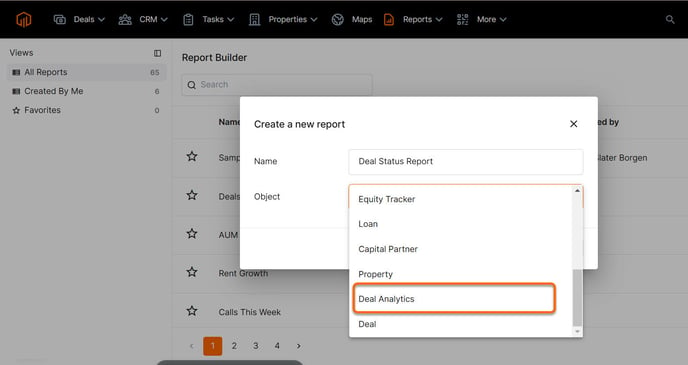
- Name the report and select "Deal Analytics" from the Deal Object dropdown.
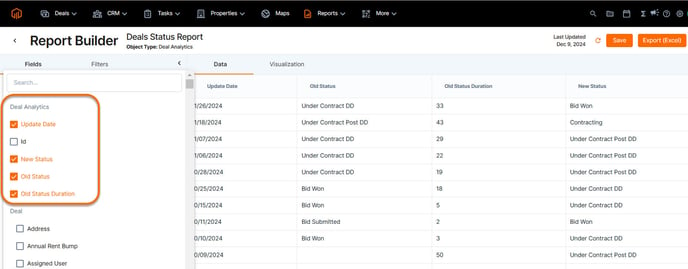
- Start adding fields to the report by selecting them from the left side panel. Deal Analytics fields include: New Status, Old Status, Old Status Duration, and Updated Date. Any Deal Fields can also be added to the report.
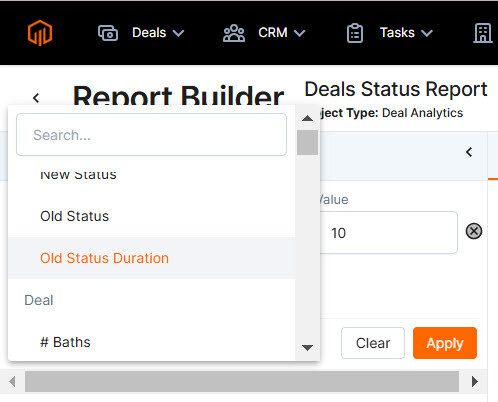
- Start adding filters by selecting them from the filters tab on the left side panel.
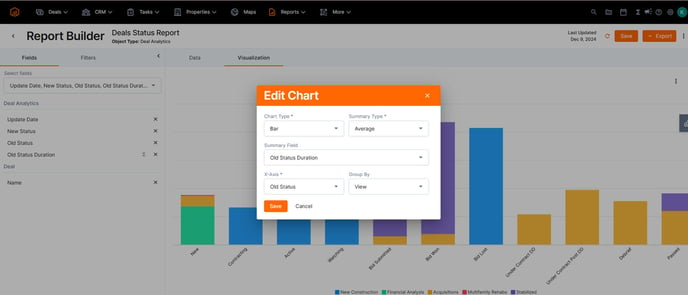
- Add a chart to see a visualization of your report data.