![TermSheet Logo-1.png]](https://help.termsheet.com/hs-fs/hubfs/TermSheet%20Logo-1.png?height=40&name=TermSheet%20Logo-1.png)
💡Things to Consider
"Contacts", "Approvers", "Predecessors", "Followers" are not fields that can be bulk edited.
⚙️Steps
- Select any task list to open it.
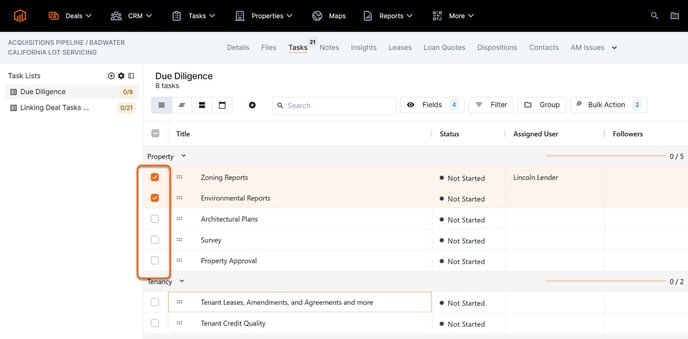
- Select multiple tasks using the checkbox to the left of task title.
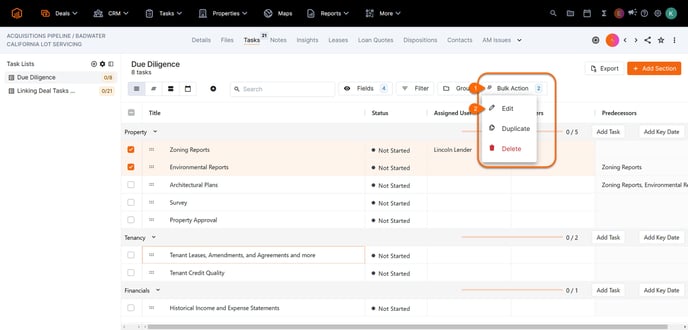
- Select "Bulk Edit" button (this will appear when tasks have been selected), then select "Edit"
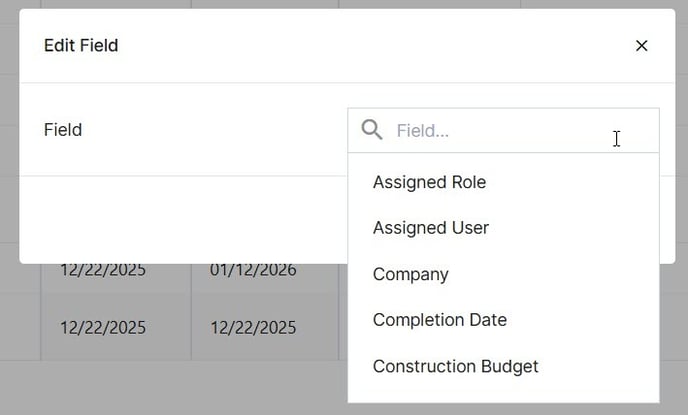
- Use the field dropdown to make a field selection.
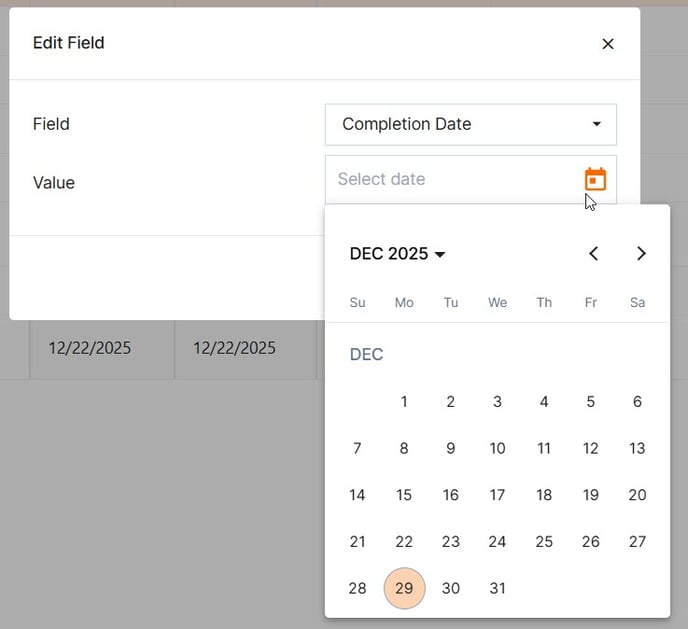
- Next, enter the value that should be applied to all selected tasks, then select "Save".
- The task table will be updated dynamically with the new values.