![TermSheet Logo-1.png]](https://help.termsheet.com/hs-fs/hubfs/TermSheet%20Logo-1.png?height=40&name=TermSheet%20Logo-1.png)
💡Things to Consider
Deals can only be multi-selected using the checkboxes when viewing in "List" or "Kanban". Grid View is not currently supported. 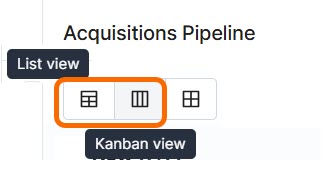
⚙️Steps
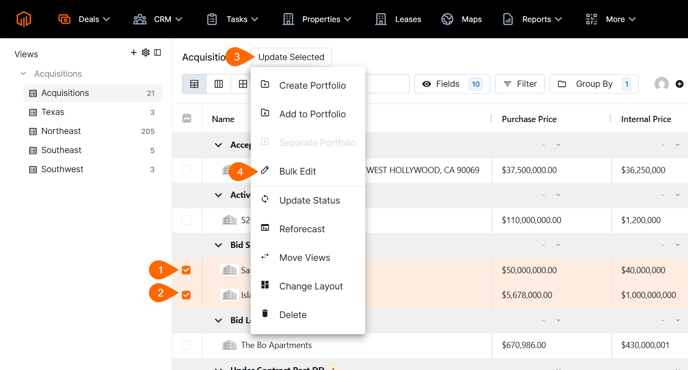
Ensure you are viewing deals in "List" mode where deal checkboxes are visible.- Select multiple deals using the checkbox
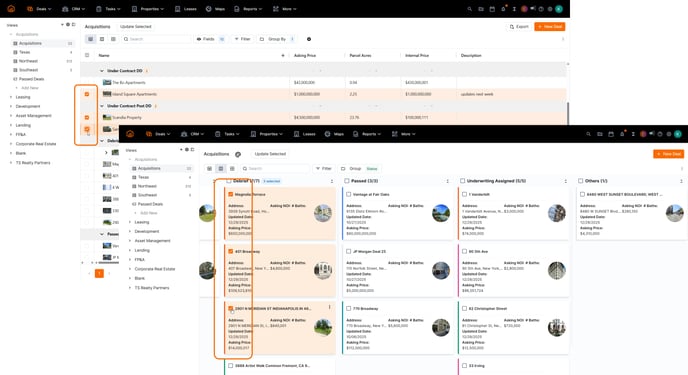
- Select "Update Selected" which will appear when at least one deal has been selected.
- Select 'Bulk Edit' from the dropdown menu.
- Use the dropdown to select any deal field to be bulk edited.
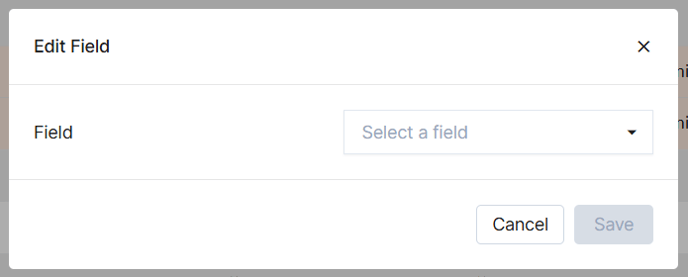
- Once a field has been selected, a value field should appear.
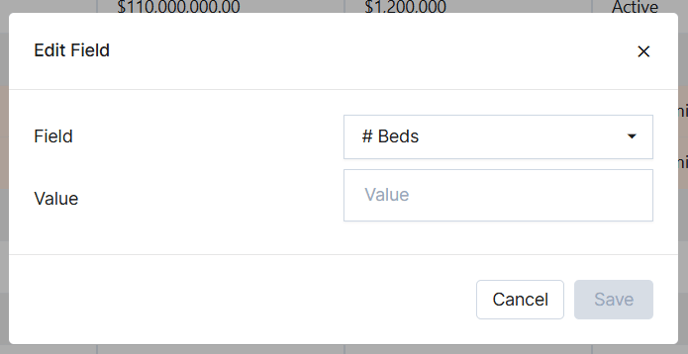
- Enter or select a value and select save.