💡Things to Consider
Multiple Group By fields can be selected.
⚙️Steps
- Navigate to the Object Level Saved View.
- Select Group By in the view header.
- Select + Add Group By

- Select the dropdown to search for object fields.
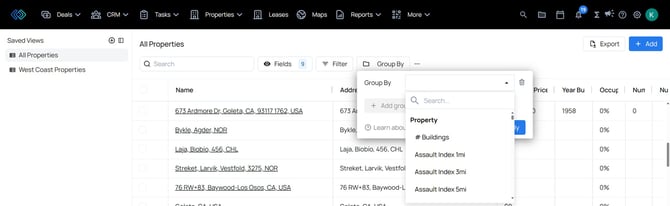
- Select Apply
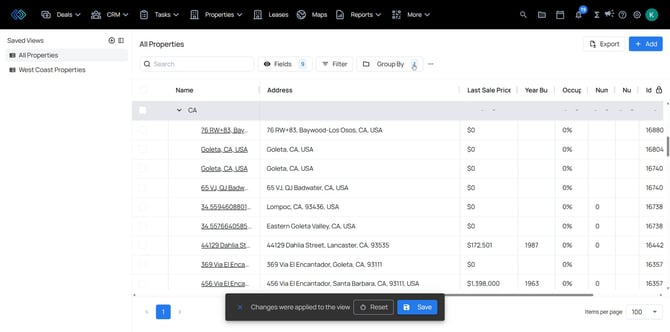
- The records will be grouped by the selected field.
- Select "Save" in the banner to apply the changes for all users.