
💡Things to Consider
Any use who has access to edit the layout can change the field filters.
⚙️Steps
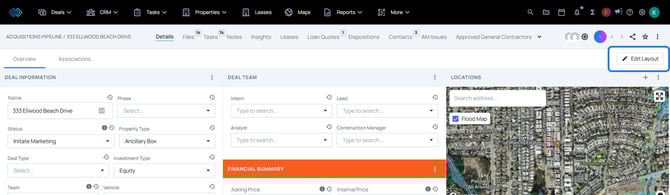
- Select Edit Layout
- Select Add Panel
- Select Activity Panel
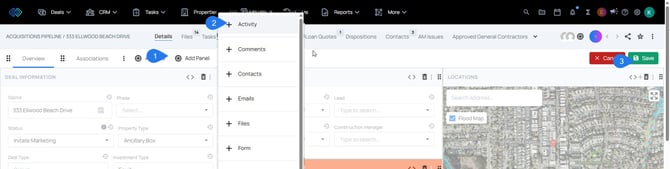
- Select Save on the Layout. The activity panel will appear on the layout.
- Select Fields
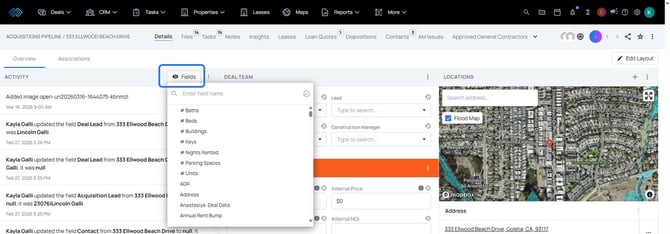
- Use the search bar to find the deal fields to enable on the Activity Panel. Only changes on the selected fields will appear on the list.
- Select the three dot icon, then select Change Panel Heading
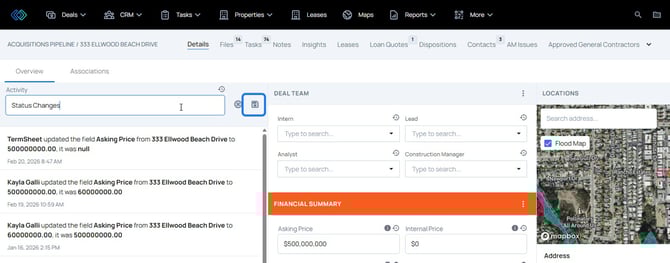
- Type a title for the activity panel. Select the save icon to save the changes.