📑Overview:
Within Intapp Properties, the Celeste panel allows you to ask questions, ingest and produce documents, use 3rd party connectors, and try out the available core playbooks. For more information on the features included in Intapp Properties with Celeste, contact your Customer Success representative.
Get started with Celeste for Intapp Properties
💡Things to Consider:
Intapp Properties entitles Customer up to 1,000 Credits per user per month. Credits are units of AI work, which allow chats, playbook runs, calls to an AI Service, and calls to an MCP from non-Intapp AI Services. Any Credits not used by month's end will not rollover and are forfeited.
Intapp may monitor aggregate system utilization. If Intapp reasonably determines that Customer's use of AI Services included in the subscription has exceeded the provided allotment, Intapp may rate-limit or suspend the relevant AI Services.
Notwithstanding anything in the Master Services Agreement (MSA) to the contrary, Customer acknowledges that Intapp Properties with Celeste is deployed and hosted on a multi-tenant database.
⚙️Get Started
- Reach our to your Intapp Customer Success representative for information on how to start using Celeste
- Once setup is complete, click on the Celeste icon at the top-right of the screen to open the Celeste panel

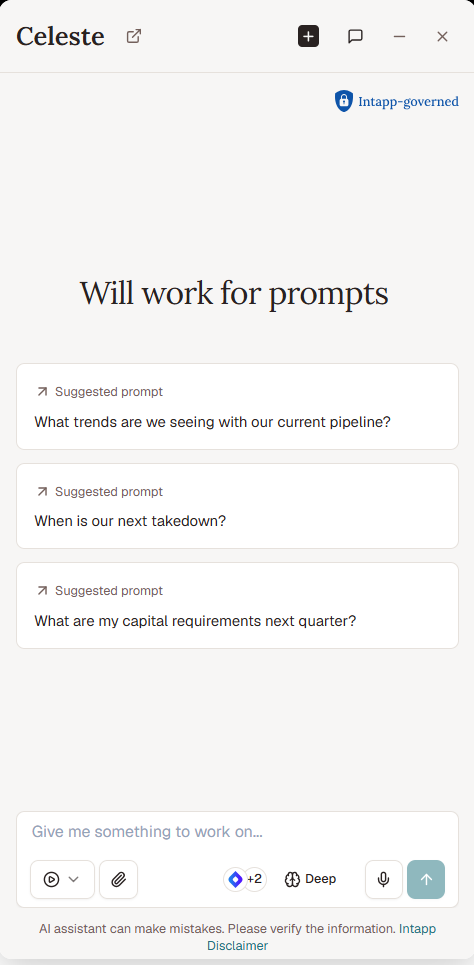
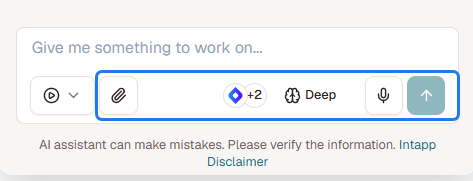
- Enter prompts, upload files, and connect to data sources using the controls at the bottom of the panel
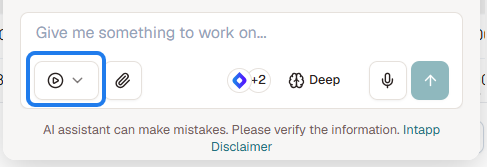
- Access core playbooks by clicking the play icon at the bottom-left corner of the Celeste panel