💡Things to Consider
Workspaces must have Asset Management enabled to use this Budget Builder feature. Contact support or your customer success manager to learn more.
📑Learn To:
⚙️Steps
Set up Budget Line Items
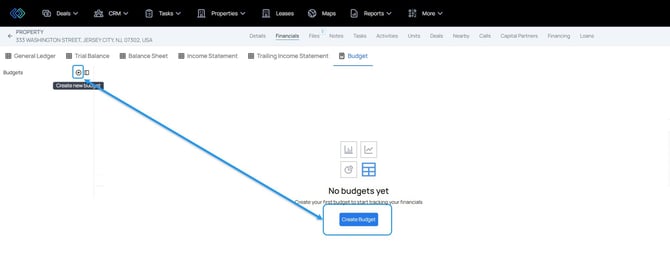
- Create a new Budget
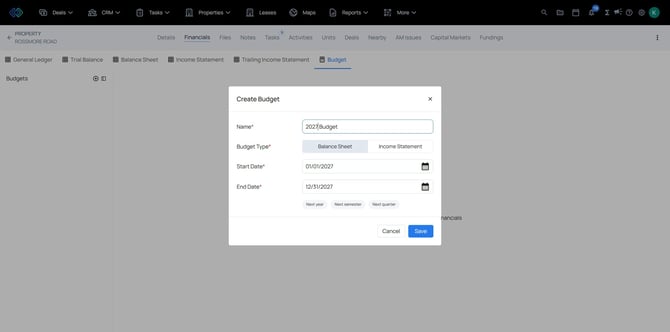
- Give the Budget a name and select where to pull the accounts from, either the Balance Sheet or the Income Statement.
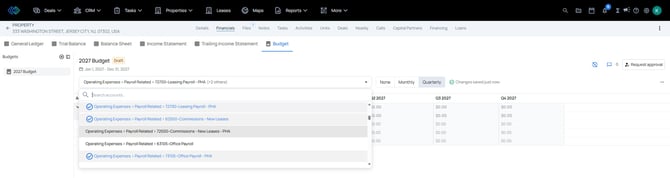
- Once the budget is created, use the dropdown to select the accounts to add as line items on the budget.
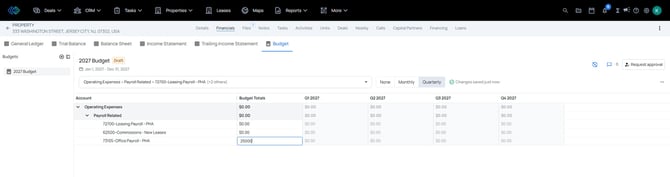
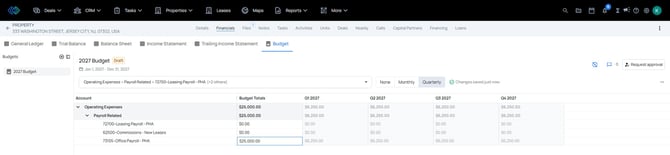
- Select into the Budget Totals column to add dollar values to the budget.
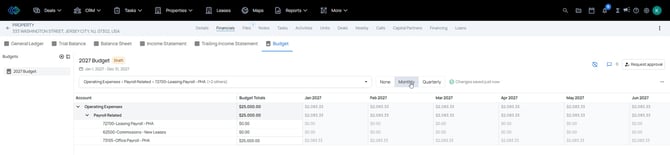
- Select Quarterly / Monthly / None to show the budget broken out.
Request Budget Approvals
-
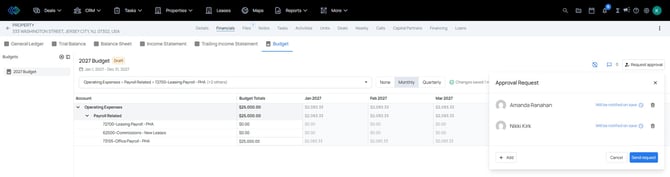
Select the Request Approval button to circulate the draft budget for approval.
-
Select from the list of names in the dropdown. Only users with Admin permission will appear in the list.
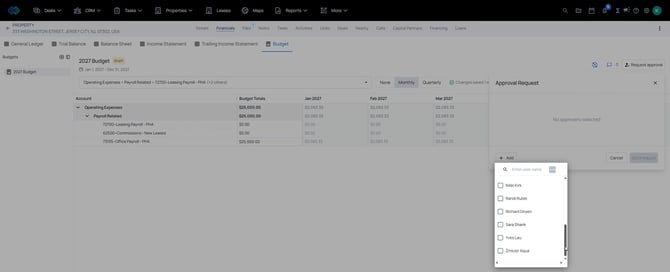
- Selected Approvers will appear in the request window. Select "Send Request" to send an email notification to the users selected.
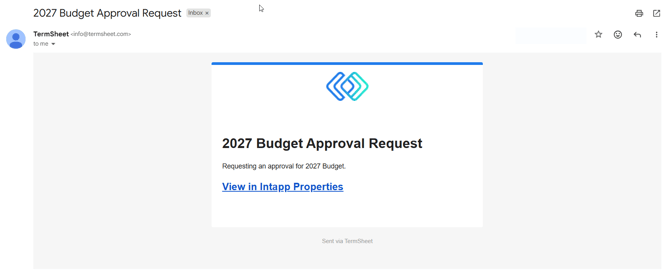
- Approvers will receive an email with a link to the budget.
- From the budget view, the approver should select "Submit Review". The approver can leave comments, select approve / reject the draft budget. NOTE: @mention colleagues to ensure they receive a notification about the comments left by approvers.
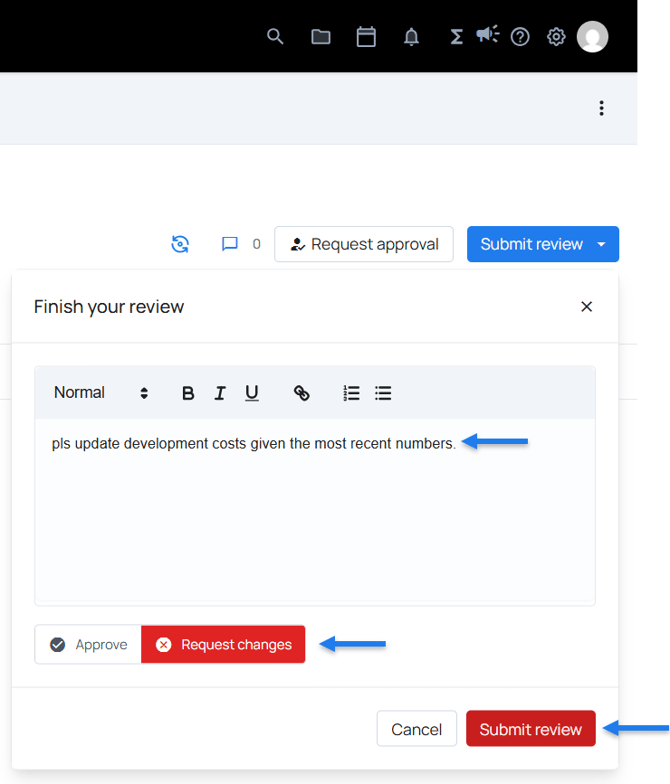
- If rejected, the budget will need to be updated and approval requests will need to be resent.
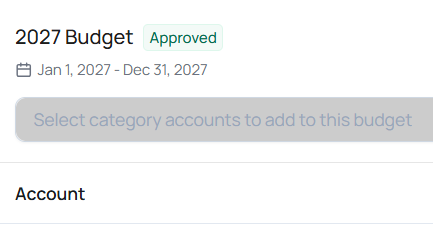
- Once a budget is approved by all approvers, the budget will have an "Approved" label.
View Budget Comments
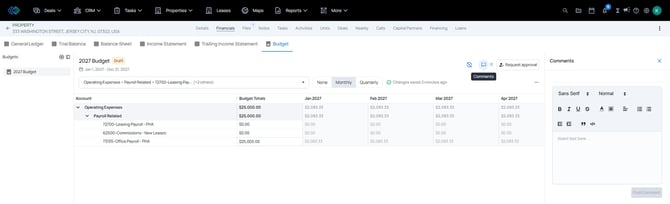
Select the Comments icon to view and add comments to the budget.
Use @mention to send email notifications to other users about comments.
Comments that are left during the approval review process will land in the comments section.