
Add the individual addresses/assets to the Properties tab for an added layer of flexibility in data management.
💡 Things to Consider
Properties are not turned on by default for all customers. To add properties to the account, contact support@termsheet.com
Properties can be imported with Latitude and Longitude, however Name is a required field.
By default, a property's "Name" field is inherited from the property address field unless it is manually changed.
⚙️ Steps
-
Navigate to the Properties tab, then select "All Properties"
-
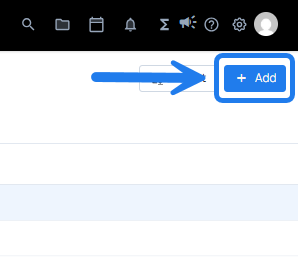
Select the "+Add" action button
-
Complete the property form. Required fields are noted with an asterisk.
- Select Save
Use Latitude / Longitude Instead of Address in Properties
- Select "Add Property"
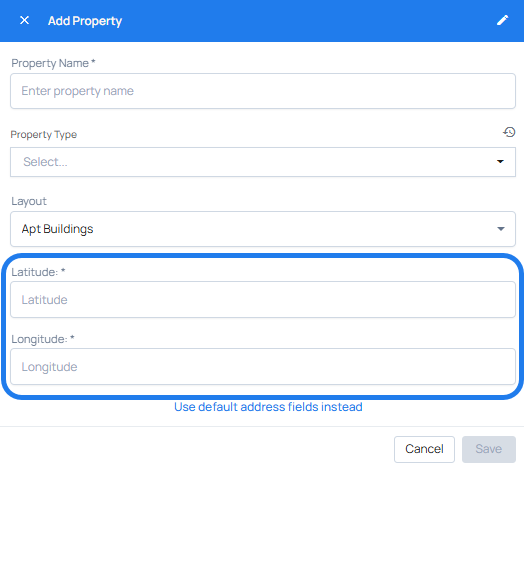
- Select "Use coordinates fields instead" to reveal the Latitude and Longitude fields.
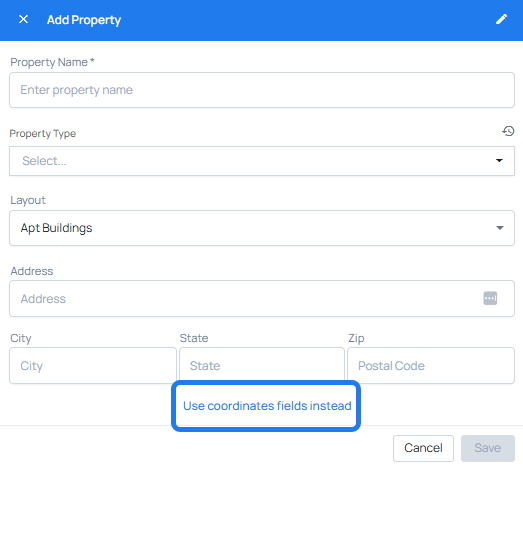
- Property Name and Property Type are required fields.
- Enter Latitude and Longitude in decimal degrees.
- Select Save